Elder Services Marketplace
Part of the Anaya Care Handbook — the source of truth for how the product must behave. When the product needs to change, change this document first, then make the system match it.
Implementation status — this module is specified but not yet built. Every rule below is 🚧 Spec only until the feature ships and this page is audited against the code. Legend: ✅ In code · ⚠️ Partial · 🚧 Spec only (not yet built).
What this covers
This page governs the : a curated, location-based directory of vetted service providers — healthcare, nutrition, personal care, transportation, physical activity, companionship, home maintenance, financial and legal, delivery, residential, and pet care — that a client's care team and representatives can find and book directly inside the platform. Every provider is vetted by Anaya before it is listed, search results are filtered to the client's registered address, and providers carry star ratings drawn from user feedback.
This is the services marketplace and is distinct from the ARMI Marketplace, which is about hiring independent care providers. Payment for any service booked here is always settled directly between the user and the provider, outside of Anaya. This page also covers the booking calendar that lets a user request, confirm, and track an appointment with a listed provider.
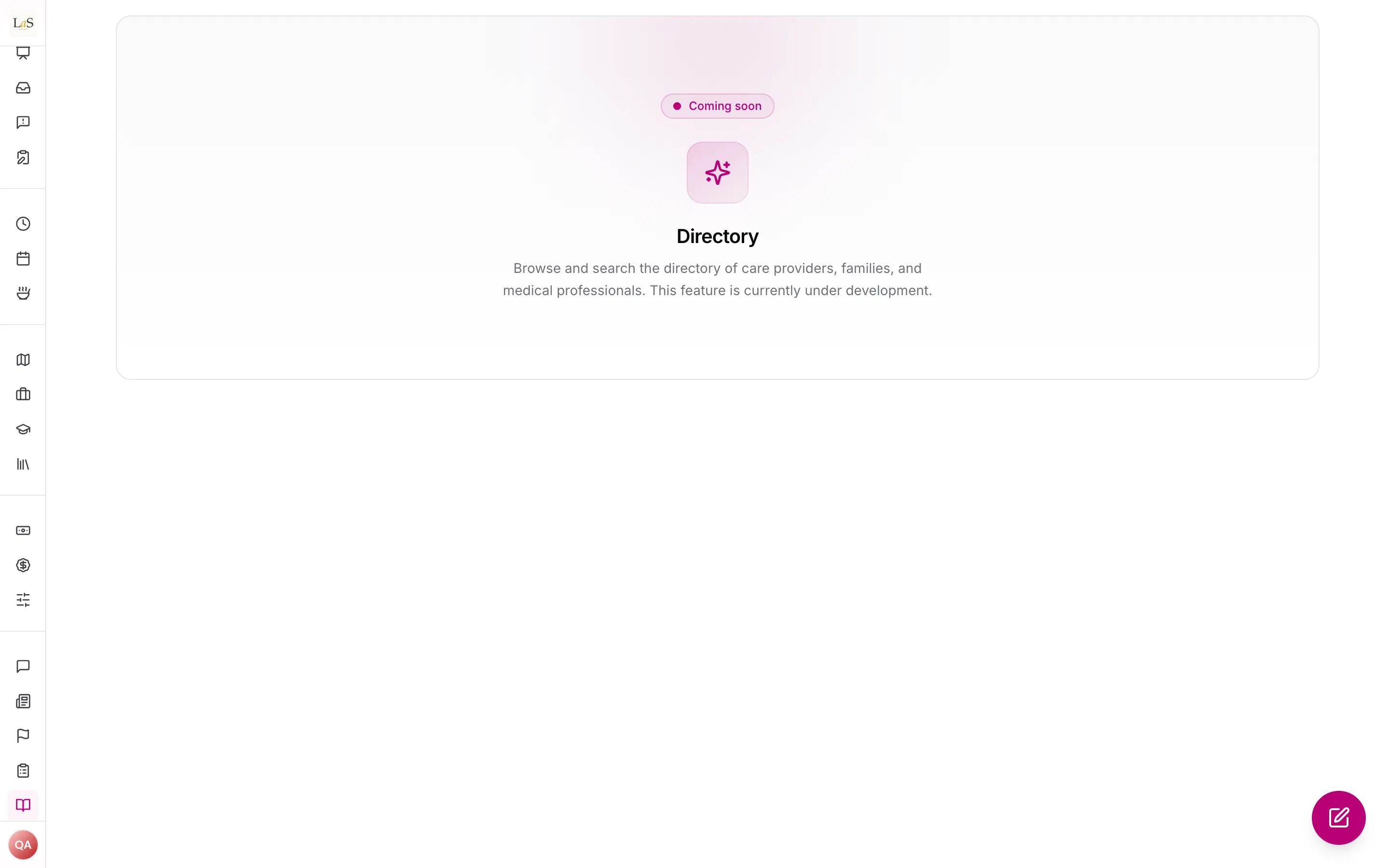
What exists today: the dashboard's Directory is a Coming soon page, and it is planned as a directory of people (care providers, families, medical professionals), not of vetted services a family can book.
Key terms
- Elder Services Marketplace — the curated, location-based directory of vetted service providers a user can browse and book from inside the platform.
- Service provider — a business or individual listed in the marketplace that delivers a service to a client; vetted by Anaya before it can be listed.
- Category — the type of service a provider offers: Healthcare, Nutrition, Personal Care, Transportation, Physical Activity, Companionship, Home Maintenance, Financial & Legal, Delivery, Residential, or Pet Care.
- Vetting — Anaya's review and approval of a provider before it appears in the directory.
- Star rating — the user-feedback score shown on a provider, gathered from post-appointment rating prompts.
- External Calendar Integration — a booking option in which the provider connects an existing system (Google Calendar, Fresha, or Calendly) and confirmed bookings sync to that system.
- Anaya-Hosted Lite Calendar — a booking option for providers without an existing system: the provider sets availability, users submit requests, and the provider confirms or declines.
- Response window — the provider-defined period within which a booking request must be confirmed or declined before it expires.
- Booking — a requested or confirmed appointment between a user and a provider for a specific client, date, time, and service.
- Calendar entry — the confirmed booking as it appears in the platform calendar for every relevant party (see Client Calendar).
How it works
Browsing and vetting
A user opens the marketplace and searches within a category. Results are filtered to the client's registered address, so only providers serving that location appear, and each result shows the provider's star rating. Only providers Anaya has vetted are listed at all. The user selects a provider to view its details and start a booking.
Provider booking options
Each provider chooses how it accepts bookings:
- External Calendar Integration — for providers that already run a booking system. The provider connects Google Calendar, Fresha, or Calendly, and confirmed bookings sync to that external system.
- Anaya-Hosted Lite Calendar — for providers without an existing system. The provider sets its availability inside Anaya, users submit requests against it, and the provider confirms or declines each request within its response window.
Booking flow
- Browse and select — the user searches a category, filtered by the client's registered address, and picks a provider.
- Request booking — the user submits the date, time, client, service, and any notes.
- Provider confirmation — the provider receives a push notification and confirms or declines within its response window; an unconfirmed request expires once the window passes.
- Calendar entry created — a confirmed booking appears automatically in the platform calendar for every relevant party (see Client Calendar).
- Appointment reminders — automated reminders go out ahead of the appointment, with configurable timing.
- Post-appointment — a rating prompt is sent to the user, and the rating feeds the provider's star rating.
Payment
Payment for any booked service is handled directly between the user and the provider, outside of Anaya. The platform does not process, hold, or settle these payments. This is separate from the Anaya Wallet, which governs responsible-party-approved spending of client funds and is not used to pay marketplace providers.
Rules
- ESM-1 — The marketplace is a curated, location-based directory; only providers Anaya has vetted may be listed. (🚧 Spec only)
- ESM-2 — Every provider belongs to one of the defined categories: Healthcare, Nutrition, Personal Care, Transportation, Physical Activity, Companionship, Home Maintenance, Financial & Legal, Delivery, Residential, or Pet Care. (🚧 Spec only)
- ESM-3 — Search results must be filtered to the client's registered address, so a user sees only providers that serve that location. (🚧 Spec only)
- ESM-4 — Every provider carries a star rating built from user feedback gathered through post-appointment rating prompts. (🚧 Spec only)
- ESM-5 — Payment for any booked service is settled directly between the user and the provider, outside of Anaya; the platform never processes, holds, or settles it. (🚧 Spec only)
- ESM-6 — Each provider books through exactly one option: External Calendar Integration (Google Calendar, Fresha, or Calendly) or the Anaya-Hosted Lite Calendar. (🚧 Spec only)
- ESM-7 — For External Calendar Integration providers, a confirmed booking must sync to the provider's connected external system. (🚧 Spec only)
- ESM-8 — For Anaya-Hosted Lite Calendar providers, the provider sets its availability, users submit requests against it, and the provider confirms or declines each request. (🚧 Spec only)
- ESM-9 — A booking request must capture the date, time, client, service, and any notes. (🚧 Spec only)
- ESM-10 — A provider must be notified by push of every new booking request. (🚧 Spec only)
- ESM-11 — A booking must be confirmed by the provider before it appears in the platform calendar. (🚧 Spec only)
- ESM-12 — An unconfirmed request must expire automatically once the provider's response window passes. (🚧 Spec only)
- ESM-13 — A confirmed booking must appear automatically as a calendar entry for every relevant party (see Client Calendar). (🚧 Spec only)
- ESM-14 — Automated appointment reminders must be sent ahead of a confirmed booking, with configurable timing. (🚧 Spec only)
- ESM-15 — A post-appointment rating prompt must be sent to the user within a defined window, and that rating must feed the provider's star rating. (🚧 Spec only)
- ESM-16 — A care manager, Owner, or Admin may request a booking, view all of the client's bookings, and cancel any booking. (🚧 Spec only)
- ESM-17 — A care provider may request a booking only during a shift, may view only their assigned client's bookings, and may cancel only with care-manager approval. (🚧 Spec only)
- ESM-18 — A representative may request appointments only, may view their client's bookings, and may cancel only the bookings they themselves made. (🚧 Spec only)
- ESM-19 — A Tier 2 family member may request, view, and cancel their client's bookings. (🚧 Spec only)
- ESM-20 — Cancelling a booking must remove its calendar entry and notify the affected parties. (🚧 Spec only)
- ESM-21 — This marketplace covers services only and is separate from the ARMI Marketplace, which handles care-provider hiring. (🚧 Spec only)
Who can do what
| Action | Roles |
|---|---|
| Browse the marketplace and view providers | Owner, Admin, Care manager, Care provider, Representative |
| Request a booking | Owner, Admin, Care manager; Representative (appointments only); Tier 2 family |
| Request a booking during a shift | Care provider (for their assigned client) |
| View all of a client's bookings | Owner, Admin, Care manager |
| View their assigned client's bookings | Care provider |
| View their client's bookings | Representative, Tier 2 family |
| Cancel any booking | Owner, Admin, Care manager |
| Cancel a booking with care-manager approval | Care provider |
| Cancel a booking they made | Representative |
| Cancel their client's bookings | Tier 2 family |
Decisions needed
- What does "vetting" require, and who maintains it? The PRD says providers are vetted by Anaya before listing but does not define the criteria, the reviewer, or how a provider is re-vetted or removed. Options: an Anaya platform team owns vetting centrally; agencies can nominate providers for Anaya review; define a checklist and an expiry so listings are periodically re-vetted.
- Is the directory global or scoped per agency? Results filter by the client's address, but it is unstated whether the same vetted provider pool is shared across all agencies or whether an agency can curate its own list. Options: one shared Anaya-curated pool; per-agency curated subsets on top of the shared pool.
- Who counts as "Tier 2 family," and how does it differ from a representative here? The booking rules grant Tier 2 family broader cancel rights than a representative. Options: define Tier 2 family explicitly on the Identity & Access page and reference it; collapse the two into one representative role with a single permission set.
- How long is the response window, and who sets it? The flow depends on a provider-defined response window for expiry, but its default and bounds are unstated. Options: each provider sets its own window within platform-defined limits; a single platform default.
- What are the default reminder timings? Reminder timing is "configurable" but no default cadence is given. Options: a platform default (for example 24 hours and 1 hour before); per-provider or per-user configurable timing.
- Does a care provider's "during shift" booking still need care-manager approval? A care provider can request during a shift but can only cancel with approval; it is unstated whether requests also need approval. Options: requests are free but cancellations need approval (as written); both require approval; neither does.
- Should bookings ever connect to the care plan or Wallet? Today a marketplace appointment is a calendar entry with payment handled off-platform. Options: keep it fully separate; let a booking optionally generate a care-plan activity; allow Wallet pre-authorization for providers that opt in.
How is this page?
Last updated on