Home Inventory
Part of the Anaya Care Handbook — the source of truth for how the product must behave. When the product needs to change, change this document first, then make the system match it.
Implementation status — Home Inventory has shipped and is live on the dashboard and the mobile app: photo-first capture with a drafted name and category, one agreement per role, edits that reset agreement, the delete lock, and flags with a reason that notify the care team. Ten of the twelve rules are in code; and are ⚠️ Partial. The PDF export and a viewable audit trail are not built yet. Last audited against the code on 2026-09-23. Legend: ✅ In code · ⚠️ Partial · 🚧 Spec only (not yet built).
What this covers
This page governs the : the photographed items of significance in a client's home, used for accountability between the agency and the representative. It documents valuables (jewelry, electronics, artwork, collectibles, cash), medical equipment and assistive devices (wheelchairs, walkers, beds, oxygen, hearing aids, glasses, prosthetics), household items relevant to care, keys and access (spare keys, alarm codes, safe combinations), and the physical location of important documents. It sits alongside the client's everyday-life support documented in Meals, Engagement Activities, and Essential Needs.
Home Inventory is distinct from Essential Needs: Home Inventory documents lasting items of significance for accountability, while Essential Needs tracks consumable supplies that get used up and re-bought.
Key terms
- Home inventory — the client's list of photographed items of significance, used for accountability between the agency and the representative.
- Item of significance — a valuable, a piece of medical equipment or assistive device, a household item relevant to care, a key or access code, or the physical location of an important document — not a consumable supply (those belong to Essential Needs).
- Inventory photograph — the original camera (or office-uploaded) image stored on an item. It is the primary record of the item.
- Agreement — direct confirmation of one item as shown by each of the three required role groups: the care team (Care manager or Admin), the Care provider, and the family/representative. The item is agreed only after all three have confirmed it.
- Discrepancy flag — a report that an item no longer matches the record. The care team is notified immediately.
- Reason for the flag — the note left by whoever marked an item as not looking right. It travels with the notification to the care team and stays on the item, visible to staff and to the representative, until the item is agreed again.
How it works
Each item is its own record. There is no batched "inventory version" that groups items together. Staff add items one at a time.
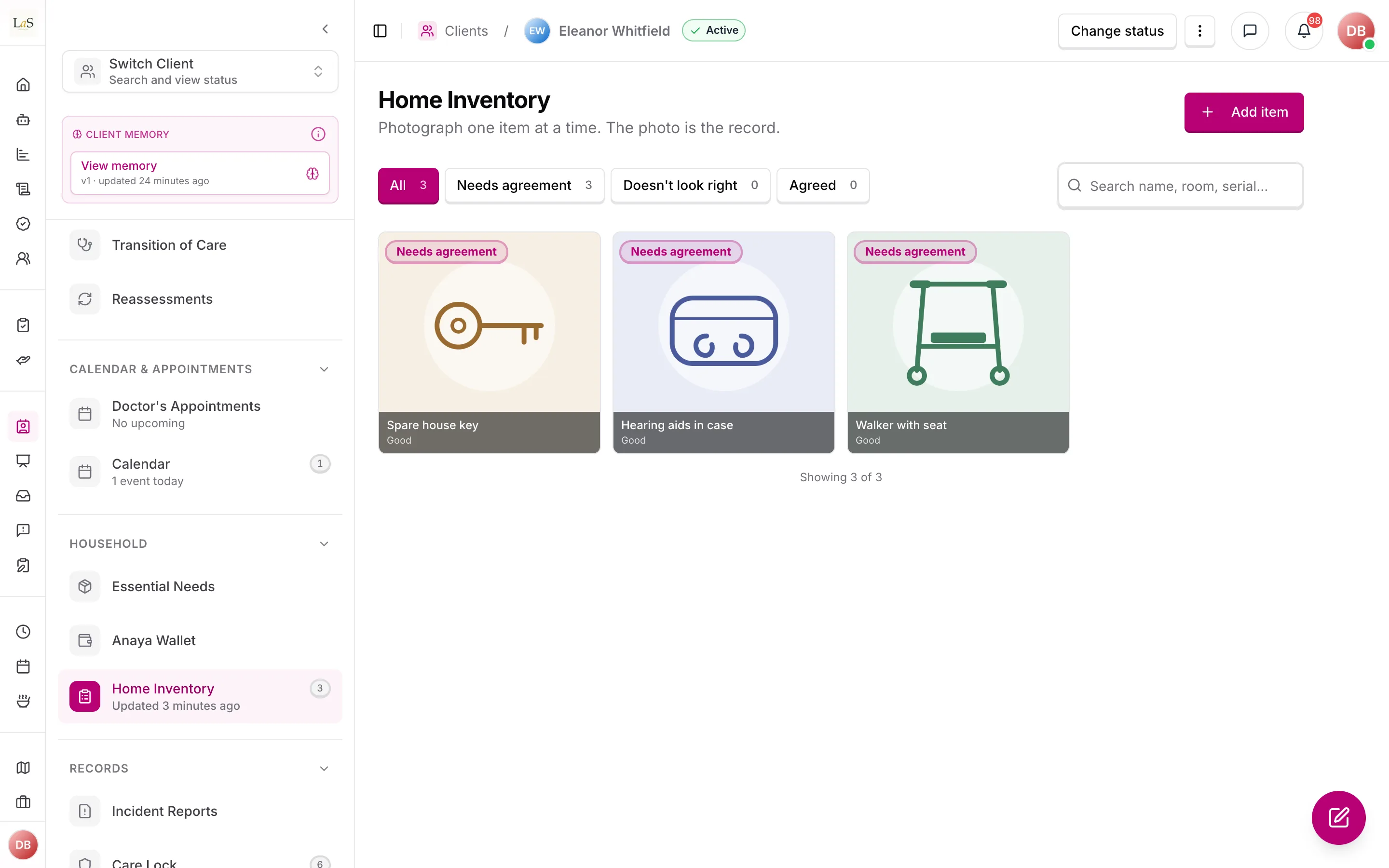
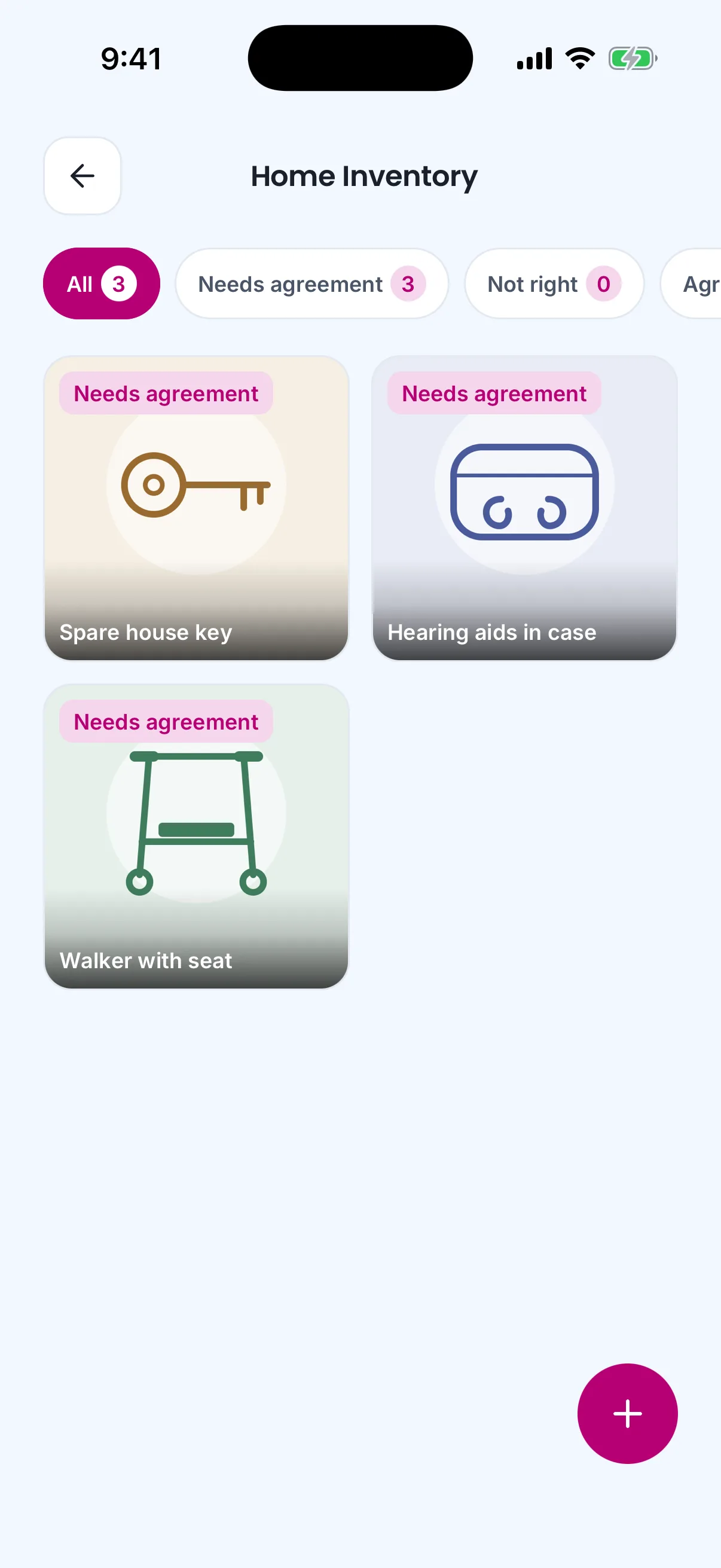
The same items on the care provider's phone.
An item is mainly a photograph, taken in the home, with a short name, a category, and a condition the person capturing it chose. Optional details (location, quantity, value range, serial number, notes) sit behind a "more details" control — they are never required to save an item.
Capture is photo-first. On mobile, the care provider opens the camera, photographs the item, and the product drafts a name and category from the image. The care provider can edit those drafts, must tap a condition, and saves. Then they photograph the next item, or they are done. Office staff on the web dashboard follow the same shape — photo first, then the three labels — but may upload a file instead of using a live camera.
The photograph stored on the item is the original capture. It is evidence: it shows the item, its condition in context, and where it was. The product never replaces that original with an AI cutout, background removal, or other derived image.
The care team, the care provider, and the family/representative each review the item and confirm that the photograph and its labels are correct. Each person fills only the agreement slot for their own role. The item becomes Agreed only when all three slots are filled. An item anyone has confirmed cannot be deleted, and once all three have agreed it stays undeletable for good. If the item is edited, all three confirmations are reset so everyone reviews the same updated record.
When the representative says an item does not look right, they may say why. That reason reaches the client's care team as a notification straight away and stays attached to the item, so the person who goes back to recapture the photo knows what to fix before they open the camera.
Rules
- INV-1 — Each item of significance is its own record on the client. Items are added one at a time. There is no batched inventory document that groups items into a version. (✅ In code)
- INV-2 — An item cannot be saved without a photograph, a name, a category, and a condition a person chose. (✅ In code)
- INV-3 — Staff with manage access can edit an item. An item with current confirmations cannot be deleted. After all three roles have agreed, the item remains undeletable even if a later edit returns it to pending. (✅ In code)
- INV-6 — The Care manager or Admin, the Care provider, and the family/representative must each agree to each item as shown. The authenticated caller fills only their own role's slot; there are no proxy or on-behalf fields. Agreement records who confirmed and when. Signing home inventories is inherent to the Representative role and cannot be removed by permission configuration (ACCESS-35). (✅ In code)
- INV-7 — Home inventories are visible only to logged-in users whose role permits it, and never cross agency boundaries. (✅ In code)
- INV-8 — The photograph is the primary record of the item; name, category, and condition are labels on it. Agreement covers the photograph and those labels together. (✅ In code)
- INV-9 — Photographs captured on the mobile app must come from the in-app camera during the visit. Camera-roll uploads are not allowed on mobile, so each photo provably originates in the home. Office staff on the web dashboard may upload a file when they are not in the home. (⚠️ Partial — the mobile app offers only the in-app camera, but nothing ties a capture to an active visit, and the server accepts any uploaded photo)
- INV-10 — The photograph stored on the item is the original capture. The product must not replace it with an AI-modified, background-removed, or composited image. A derived thumbnail, if one exists for a list view, is stored alongside the original and must never appear in a signed export. (✅ In code)
- INV-11 — After a photograph is captured, the product may draft a name and category from the image. Those drafts are suggestions the person can edit, and they must be visibly drafts until confirmed or changed. The product must never draft, default, or fill condition — a person must choose it for every item. (⚠️ Partial — condition is never drafted, but the drafted category carries no draft marker of its own, and the "Suggested" notice disappears once the name is edited)
- INV-12 — Staff may change the photograph or labels. Any edit returns the item to pending and clears all three role confirmations. The three roles then confirm the updated live record again. (✅ In code)
- INV-13 — Agreement data is one compact object with optional
careTeam,careProvider, andrepresentativeconfirmations. Each confirmation stores only who confirmed and when. The item becomes Agreed only when all three exist. (✅ In code) - INV-14 — Marking an item as not looking right notifies the client's care team immediately, carrying the reason given. The reason stays visible on the item — to staff and to the representative — until the item is agreed again. (✅ In code)
Note: This page's rules were retired from the old Daily Living page: DAILY-19 – DAILY-24 → – . INV-4 (at most one draft version) and INV-5 (only drafts can be deleted) were retired when inventory versions were removed. IDs are never reused.
Who can do what
| Action | Roles |
|---|---|
| Add and edit items | Owner, Admin, Care provider |
| Delete an item no one has confirmed, and that was never fully agreed | Owner, Admin, Care provider |
| Capture an inventory photograph (in-app camera on mobile; file upload on web) | Owner, Admin, Care provider |
| Fill the care-team agreement | Owner, Admin, Care manager |
| Fill the care-provider agreement | Care provider |
| Fill the family/representative agreement | Representative |
| Mark that an item does not look right | Representative, Care provider, Owner, Admin, Care manager |
| View the inventory | Owner, Admin, Care manager, Care provider, Representative |
| Export the inventory as a PDF and view the full audit trail | Owner, Admin, Care manager |
Decisions needed
- How are flagged discrepancies handled? Today a flag carries an optional note of up to 500 characters and marks the item without pausing it, and the care team is notified at once (). Decide whether that is the rule, and whether a flag should also carry a photo or a severity.
- Can representatives add their own items, and how far do Tier 2 family editing rights reach? The reference grants a representative (responsible party) View plus Create for their own items, and Tier 2 family Create/Edit/View. Decide whether these self-added items are distinguished from agency entries.
How is this page?
Last updated on